Thank you for visiting the AUSTRALIA HP Store
-
Contact Us
CONTACT USCall us
- Sales (Home, Students, Gamers)
- 1300 540 516
- Sales (Small Business Customers)
- 1800 891 209
- Post-Sales
- 13 23 47
- Technical support
- 13 10 47
Exc. public holidays
Chat with us- Our specialist are here to help
- Live Product Demo
- Sales
- 61288061500 (WhatsApp)
-

- Post Sales
- 61288061700(WhatsApp)
- Technical Support
- 61341594000(WhatsApp)
Exc. public holidays
Live product demo
Submit feedback We value your opinion! - My Account

Search
HP Online Store

-
Posted: June 24, 2026
 Read more »
HP Instant Ink vs traditional cartridges (quick answer)
If you’re trying to decide between the two, here’s a fast guide:
-
HP Instant Ink — best for regular printing, predictable monthly use, and people who want automatic ink delivery
-
Traditional cartridges — best for occasional printing, full control over purchases, and users who prefer no subscriptions
-
Compatibility — Instant Ink only works on supported HP printers
-
Sustainability — Instant Ink includes recycling by default; cartridges require user action
-
Convenience — Instant Ink removes the “out of ink” problem; cartridges require manual replacement
The right choice depends on how much you print, how predictable your usage is, and how much you value convenience.
Introduction
Choosing how to keep your printer stocked with ink might seem like a small decision, but it can affect everything from your monthly costs to how often you’re caught printing an urgent document at the worst possible moment.
For HP printer users in Australia, the
-
-
Posted: June 23, 2026Categories: Miscellaneous
 Read more »Solid-state drives, or SSDs, are data storage devices that use flash-based memory. They are more advanced than traditional hard disk drives that use spinning magnetic disks. One significant advantage of SSDs is the absence of moving parts, which reduces the risk of mechanical failure and allows for quicker data access and boot times. SSDs are also much smaller than HDDs, take up less space and accommodate more users.
 -
Posted: June 23, 2026Categories: Accessories
 Read more »An efficient and streamlined workspace is essential in today's rapidly evolving digital landscape, and HP docking stations play a crucial role in achieving this. Acting as central hubs, HP docking stations transform laptops into powerful desktop workstations. With just a single point of connection to your laptop, they enable the integration of multiple devices such as monitors, keyboards, mice, and more, effortlessly optimising your workspace.
 -
Posted: June 23, 2026Categories: Miscellaneous
 Read more »
G’day, tech enthusiasts! If you’ve ever found yourself scratching your head, trying to locate the model number of your HP laptop, you’re not alone. Whether you’re looking to check your warranty, troubleshoot an issue, or simply want to know more about your device, finding this crucial information is essential. Let’s dive into the various methods to uncover your HP laptop’s model number, tailored specifically for our mates Down Under.
-
Posted: June 23, 2026Categories: Miscellaneous
 Read more »
How to factory reset a Windows laptop (quick steps)
If you just need the fastest method, follow these steps:
-
Open Settings
-
Go to System → Recovery (Windows 11) or Update & Security → Recovery (Windows 10)
-
Click Reset this PC
-
Choose Keep my files or Remove everything
-
Select Cloud download or Local reinstall
-
Follow the on-screen instructions
The reset usually takes between 20 and 60 minutes, depending on your settings.
If you’d like more context before proceeding — including when to reset, what happens afterwards, and how to back up your data — keep reading.
Introduction
A factory reset restores your laptop to its original state, removing personal files, apps, and settings depending on the option you choose. It’s a reliable way to fix persistent issues, prepare a device for resale, or simply start fresh.
The process is straightforward on both Windows 10 and Windows 11, but a few decisions along the way can make a big difference — especially around what to keep and how Windows is reinstalled.
-
-
Posted: June 23, 2026Categories: Laptops
 Read more »
Tired of continuously charging your laptop every few hours? A laptop’s battery life can be a deal breaker, especially if you travel a lot. HP laptops come with long battery life and built-in fast charging software for maximum productivity. However, there is always more that you can do to maximise performance.
-
Posted: June 23, 2026
 Read more »Booting from a USB device can be incredibly useful for various tasks, such as installing a new operating system, running diagnostic tools, recovering data, or trying out a live Linux distribution. This comprehensive guide, tailored for Indian users, will walk you through the process of booting from a USB drive on Windows 10 PCs, including how to prepare your USB drive, change BIOS settings, and troubleshoot common issues.
 -
Posted: June 23, 2026Categories: Miscellaneous
 Read more »
Have you ever stumbled upon a brilliant video on Facebook or YouTube that you wanted to save for later viewing without having to search through hundreds of daily posts? Or perhaps you’ve wished to watch that special video when you don’t have internet access? If you’re nodding in agreement, you’re in the right place. For many of us in Australia, where internet connectivity can sometimes be patchy in regional areas or when travelling through the Outback, having the ability to download videos becomes even more valuable.
-
 Read more »
Computers are an essential part of our modern lives. Be it a custom-built PC or a personal laptop, they provide seamless solutions for many of our needs, like online shopping, web-based classrooms, virtual meetings, and so much more.
-
Posted: June 18, 2026Categories: Desktops
 Read more »
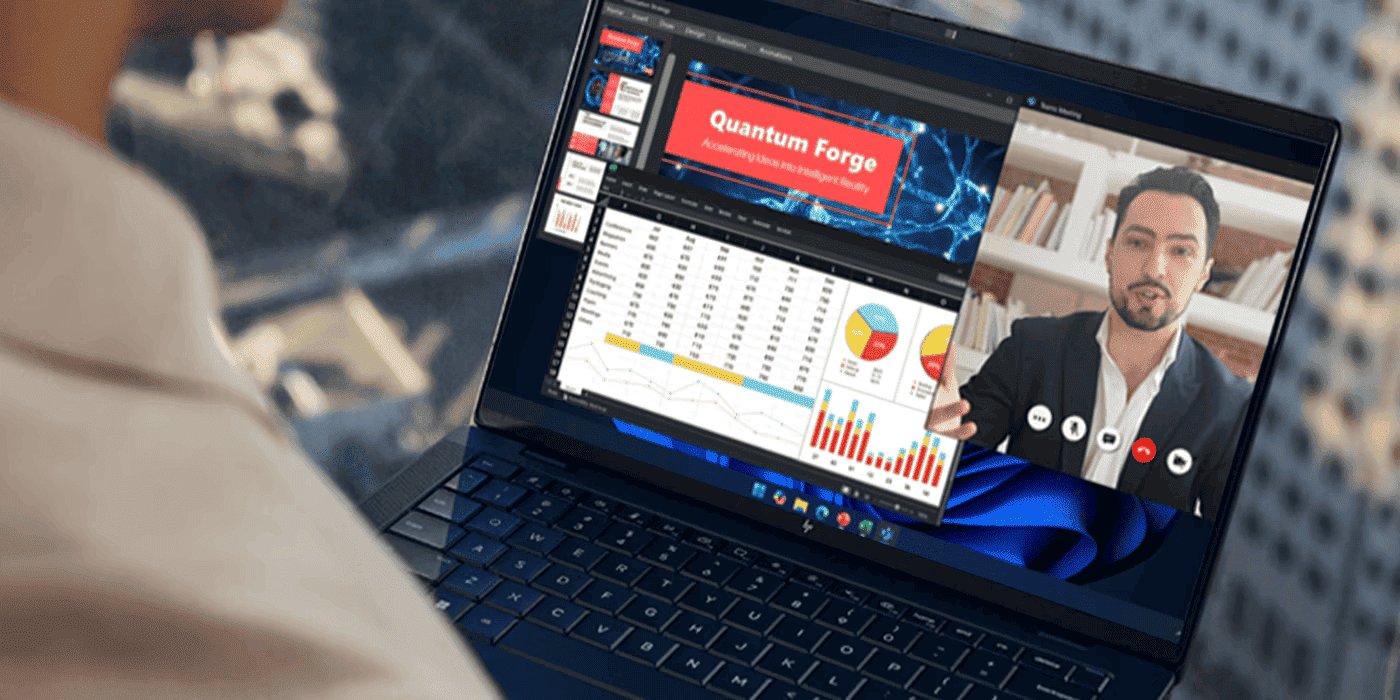
If you've shopped for a laptop in the last six months, you've likely noticed a new yet already ubiquitous buzzword: the AI PC. Intel, AMD, and Microsoft are positioning these machines as the most significant leap in computing since the internet. But for the person holding the credit card, the messaging is often a fog of vague promises about "smarter workflows" and "creative potential."
Recent Posts
Popular Posts








Products purchased through this store are sold and fulfilled by Ingram Micro Pty Limited

CONTACT US
Call us
- Sales (Home, Students, Gamers)
- 1300 540 516
- Sales (Small Business Customers)
- 1800 891 209
- Post-Sales
- 13 23 47
- Technical support
- 13 10 47
Exc. public holidays
Chat with us
- Our specialist are here to help
- Live Product Demo
- Sales
- 61288061500 (WhatsApp)
-
- Post Sales
- 61288061700(WhatsApp)
- Technical Support
- 61341594000(WhatsApp)
Exc. public holidays
Live product demo
Submit feedback
We value your opinion!